

A project team may own a spreadsheet while the rest of the company only needs to see the milestones. On November 11, Google announced that a Sheets canvas can now be published to its own URL. Viewers can interact with the published canvas in read-only mode, while access to the spreadsheet keeps its existing settings. Google announcement
Publish the view and choose its audience
A Sheets canvas uses Gemini to turn spreadsheet data into a dashboard, calendar, or kanban board. A training team, for example, can maintain class registrations and dates in Sheets and share a calendar with employees who only need to find a session.
On the web, open a canvas you can edit and choose Publish canvas from its toolbar. Set the audience and choose whether to republish automatically after the source changes. Live updates suit a project tracker. A static snapshot suits an agenda that has already been approved. Publishing options
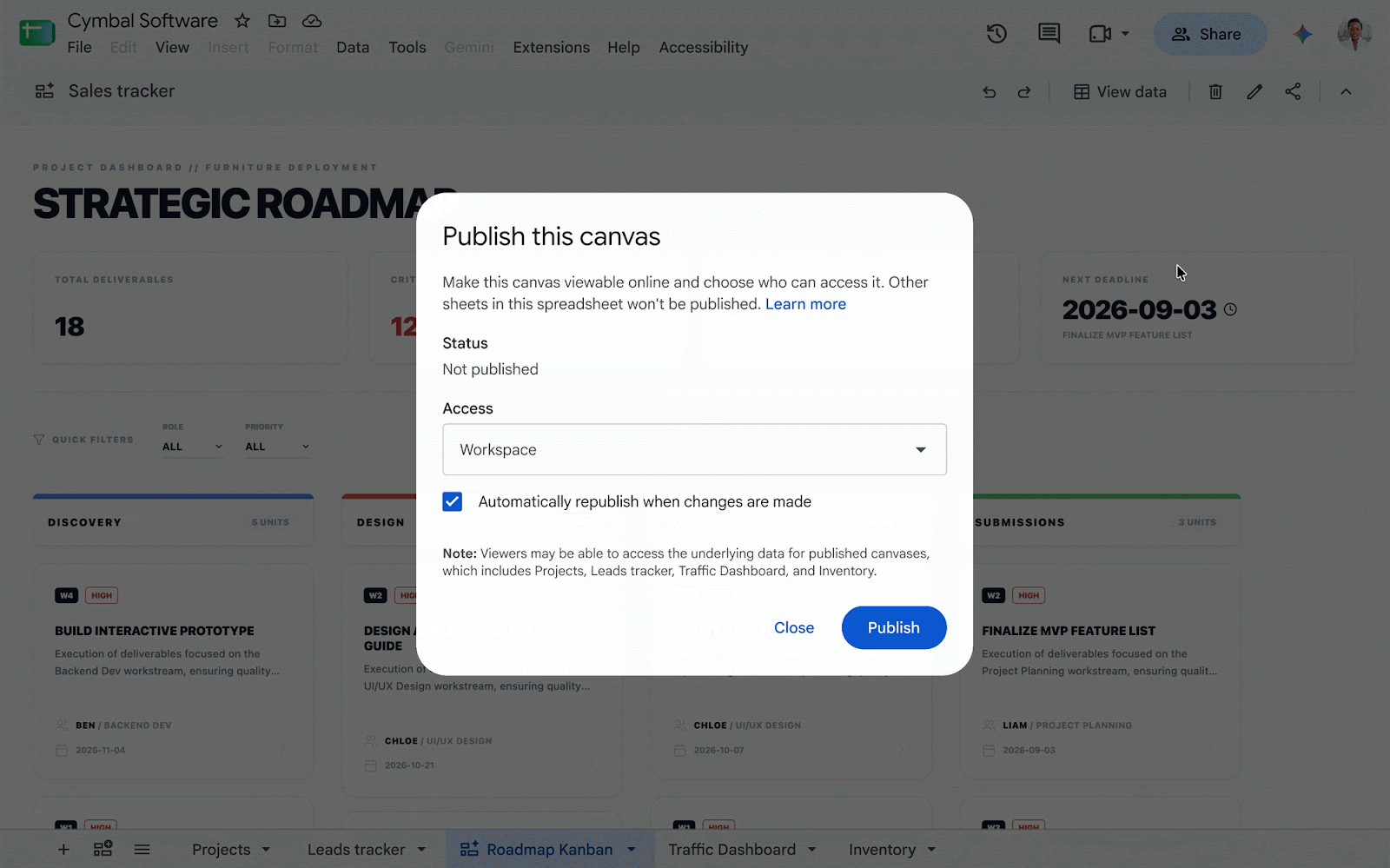
Figure 1. Google's demo selects a Workspace audience and enables automatic republishing. Official demo
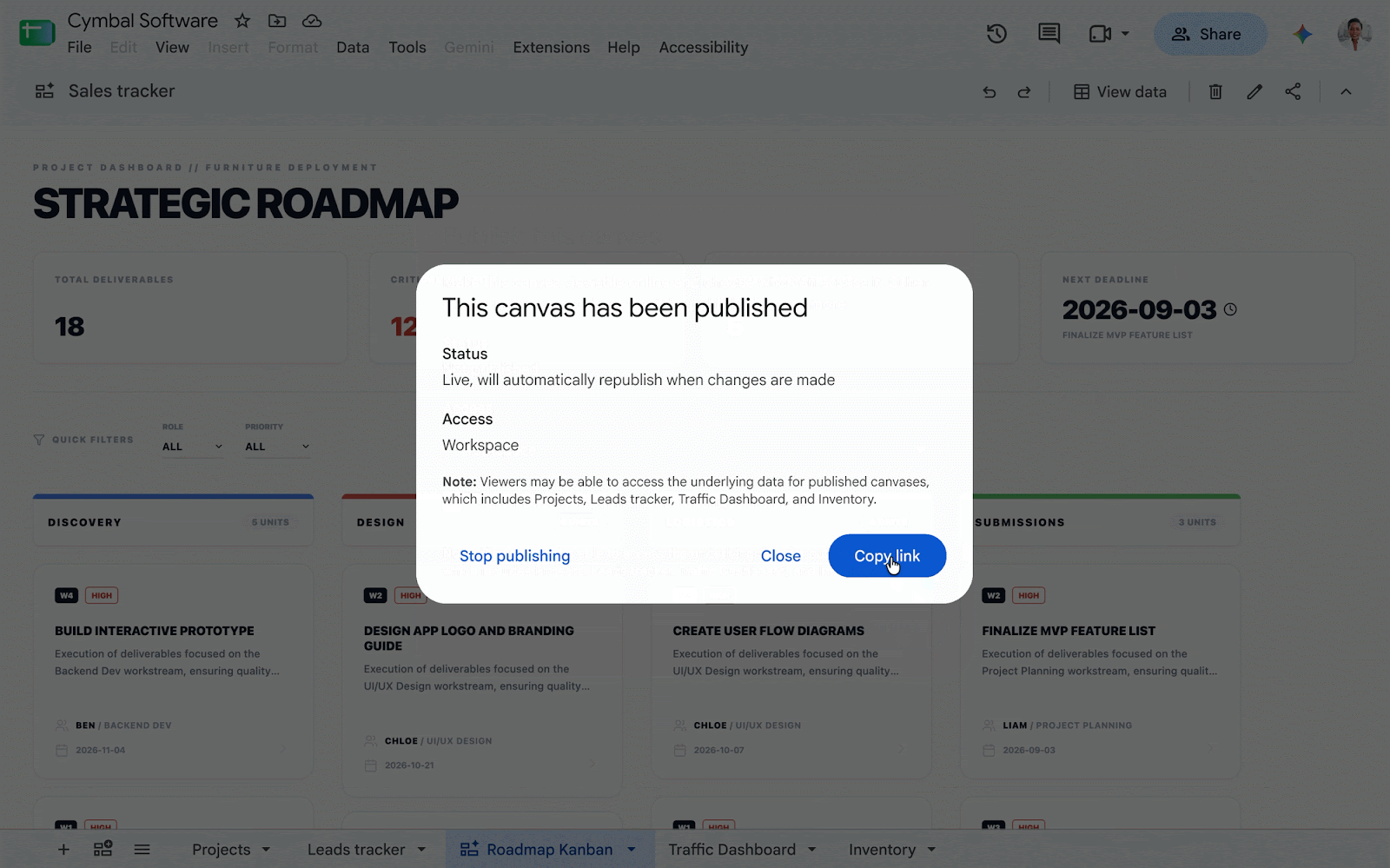
Figure 2. Once the canvas is published, Copy link copies its standalone URL. Official demo
Check what a viewer can access
Google's help page says the underlying canvas data is sent to the browser, where viewers may be able to access it. If the source contains phone numbers or budgets, hiding those columns in the visual layout is insufficient. Build the canvas from a separate sheet containing only fields approved for sharing.
Before distributing the link, try it with an account in the intended audience that lacks access to the original spreadsheet. Check that filters work and review the fields on display. Existing Drive publishing policies govern whether the organization can publish externally. Google Sheets help
Google lists November 11 for Rapid Release and December 2 for Scheduled Release, with a gradual rollout of up to 15 days for each. Eligible plans include Business Standard and Plus, Enterprise Standard and Plus, consumer Google AI Pro and Ultra, and specified education and AI add-ons. The publishing control is available on the web. Availability and rollout